Selling on Sabamaa
Now that you are all set up, and have read through our Terms & Conditions, we’re ready to show you the next steps in receiving and fulfilling sales at Sabamaa.
Your Sabamaa Seller Account
During the onboarding process, you should have received an email which instructed you to activate your account and create a password.
Please use these log-in details to access the Sabamaa seller portal which can be found over at https://seller.sabamaa.com/login.
What can you do on the Seller Portal?
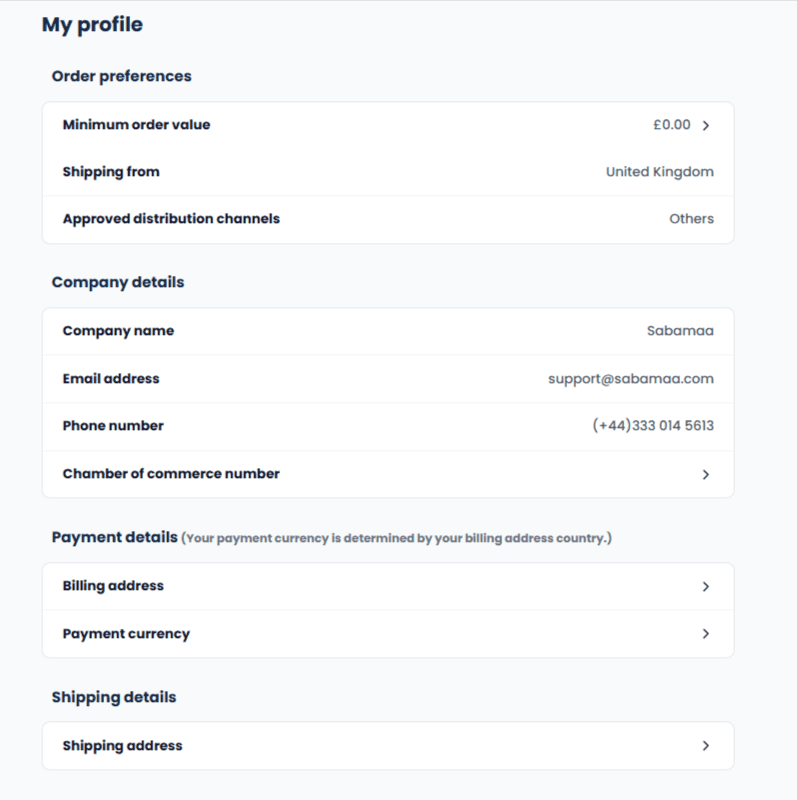
Manage your Company Details
View and edit some of your company details.
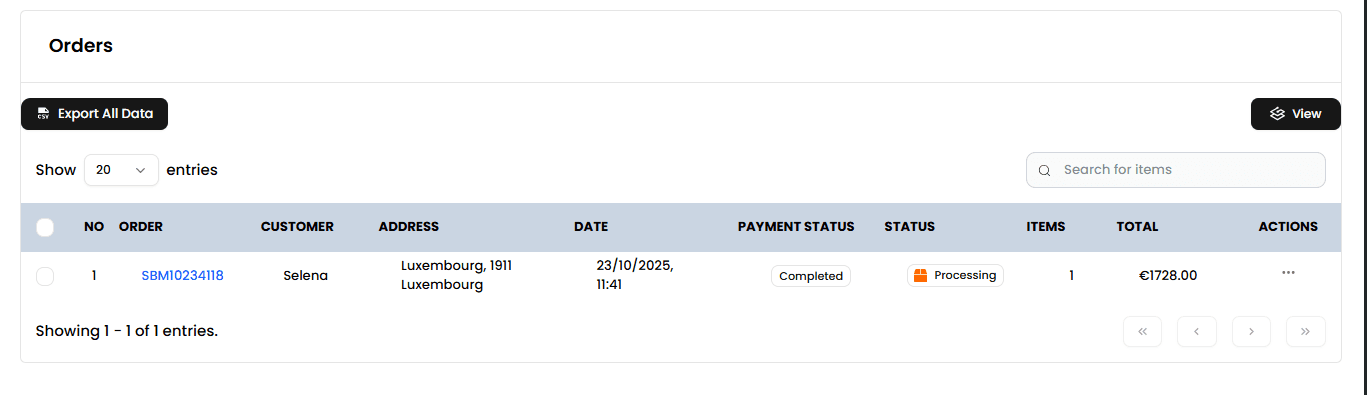
Fulfil your Orders
View all current & past Sabamaa orders. See Receiving and Fulfilling orders for more guidance.
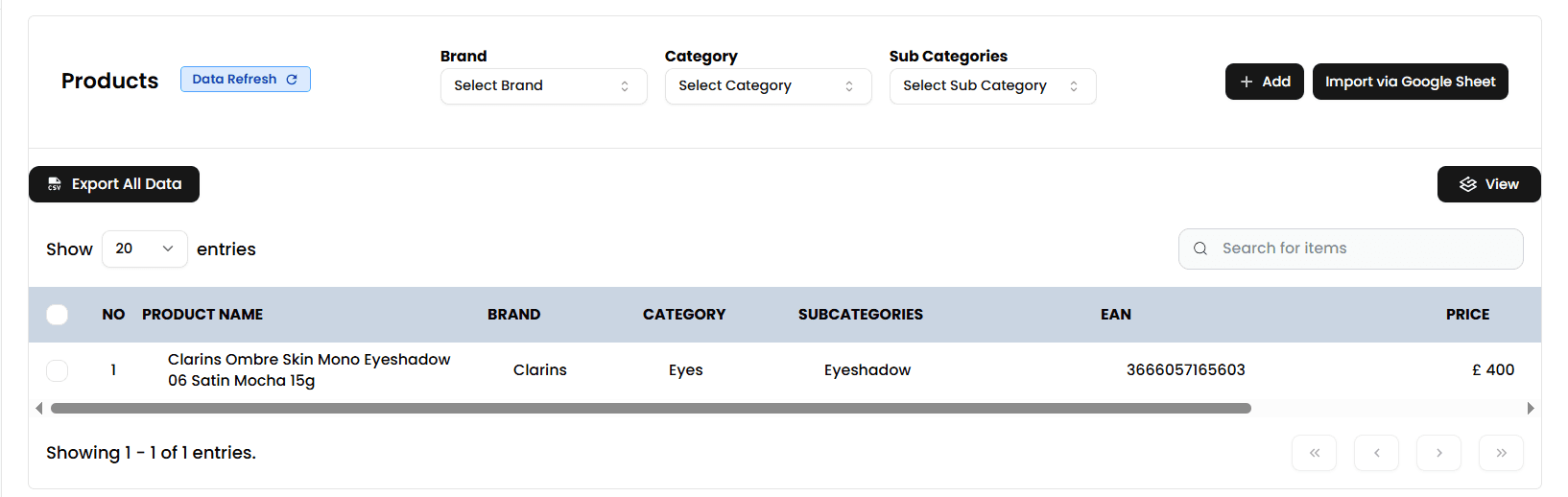
Manage your Inventory
View your inventory list and see how we’re listing it on our website.
Important things to know
- We currently only allow 1 user per seller account on the Seller Portal. You can share your username & password with your colleagues if needed.
- It is important to let us know if you are setting up any sister/parent seller accounts. This will help us give you and your colleagues the best support possible.
Next Steps
- Mark our email address as a safe sender: When you receive an order via our platform, we will send you an email. To ensure these emails reach you, add support@sabamaa.com to your email contact list and mark it as safe.
- Let us know how you will send us your stock file: See Managing Your Inventory for more guidance.
- Check your account details: Ensure we have the correct billing address, bank details, and company details on record. Also check the “Ship to” and “Sell to” settings.